Why Is My Vacuum Cleaner Not Working? Common Fixes
Editorial note: Rare One is reader-supported. We may earn a commission if you buy through links on our site, at no extra cost to you. Our recommendations focus on practical fit, features, value, and common buyer concerns.
📑 In This Article
- Why Is My Vacuum Cleaner Not Working - Quick Answer
- Most Common Causes
- Step-by-Step Checks You Can Do Safely
- What Not to Do
- Safety and Editorial Note
- Should You Repair, Replace, or Upgrade?
- How to Prevent This Problem Next Time
- Related Buying Advice
Why Is My Vacuum Cleaner Not Working - Quick Answer
If your vacuum cleaner is not working, the most common culprits are a full dustbin or bag, a clogged filter, or a blocked hose or brush roll. These issues restrict airflow and power, preventing the vacuum from operating effectively.
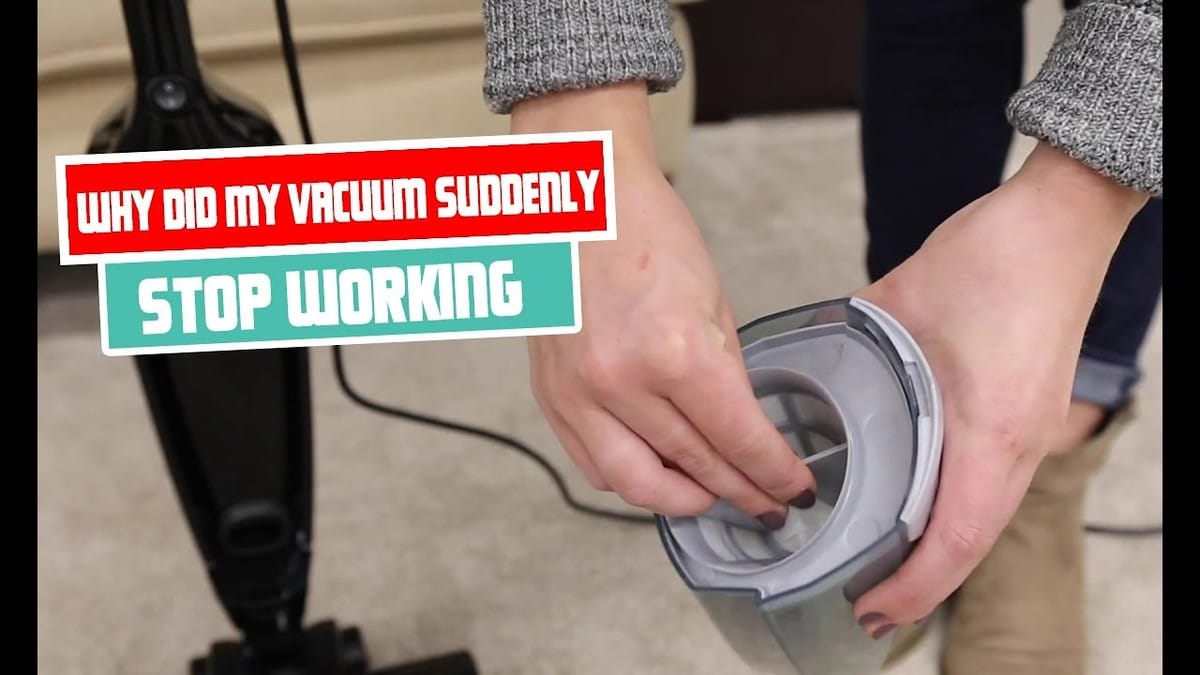
Before considering replacement, perform basic checks like emptying the dustbin, cleaning filters, and clearing any visible blockages in the hose or brush head. If these simple steps don't resolve the problem, or if you suspect electrical issues, it's time to consult a professional or consider a new unit.
Most Common Causes
| Possible Cause | What It Looks Like | What to Check First |
|---|---|---|
| Full Dustbin/Bag | The vacuum loses suction, or stops completely. The dustbin may appear full, or the bag indicator might be lit. | Empty the dustbin or replace the dust bag. |
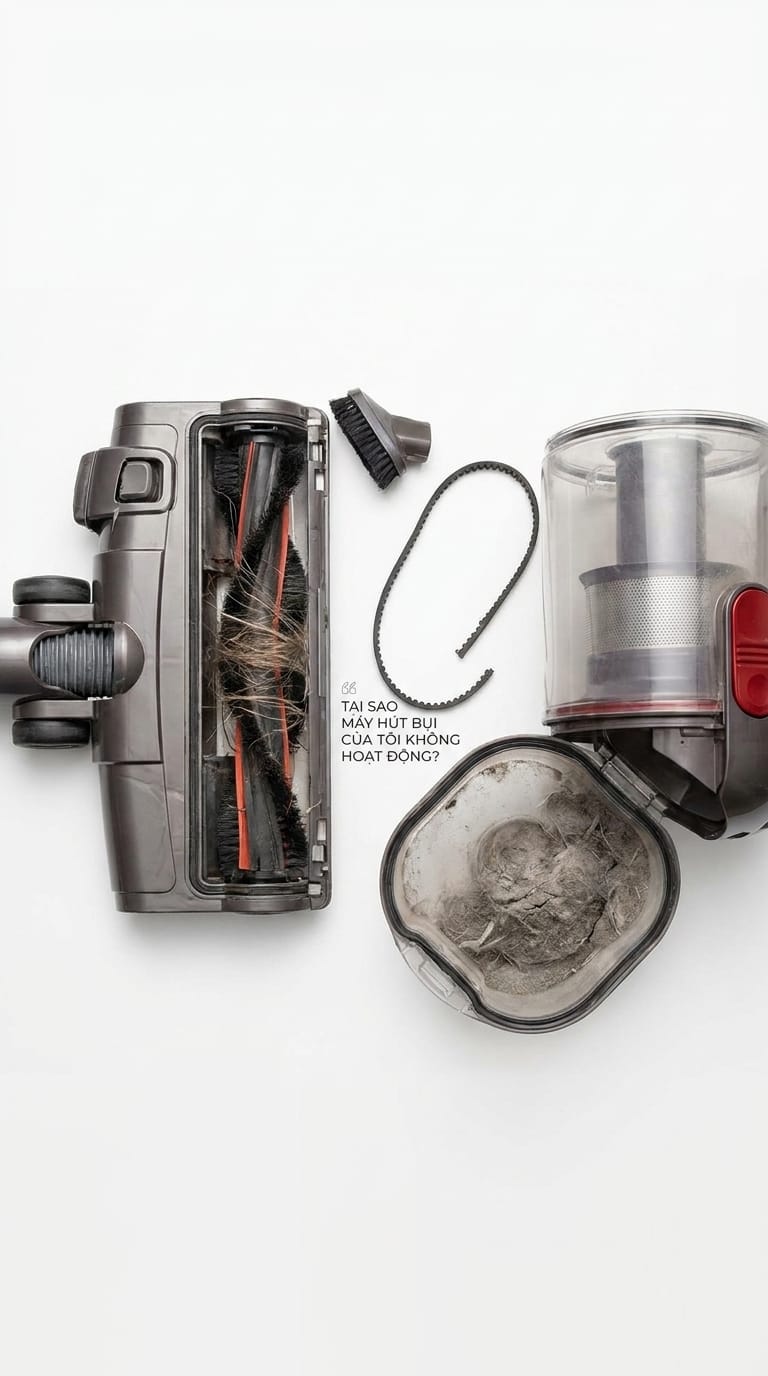
| Clogged Filter | Reduced suction, overheating, or the vacuum stops working. Dust and debris visibly packed into the filter. | Locate and clean or replace the filter according to your model's instructions. |
| Blocked Airflow (Hose/Wand) | No suction or greatly reduced suction. You might hear the motor straining. | Disconnect the hose and check for obstructions. |
| Blocked Brush Roll | The brush roll won't spin, or the vacuum isn't picking up debris from carpets. Hair, strings, or larger objects are tangled around the brush. | Inspect the brush roll and remove any tangled debris. |
| Overheating Protection | The vacuum suddenly shuts off after a period of use. It may restart after cooling down. | Unplug the unit and allow it to cool for at least 30-60 minutes. Check for blockages and clean filters. |
| Power Supply Issue | The vacuum won't turn on at all. No lights, no motor sound. | Ensure it's properly plugged in, check the power outlet with another device, and inspect the power cord for damage. |
Step-by-Step Checks You Can Do Safely
1. Start With the Simple Checks
First, ensure your vacuum cleaner is properly plugged into a working electrical outlet. If it's a cordless model, confirm the battery is charged or the battery pack is correctly seated. Some vacuums have different power settings; double-check that it's not set to a low-power mode or turned off.
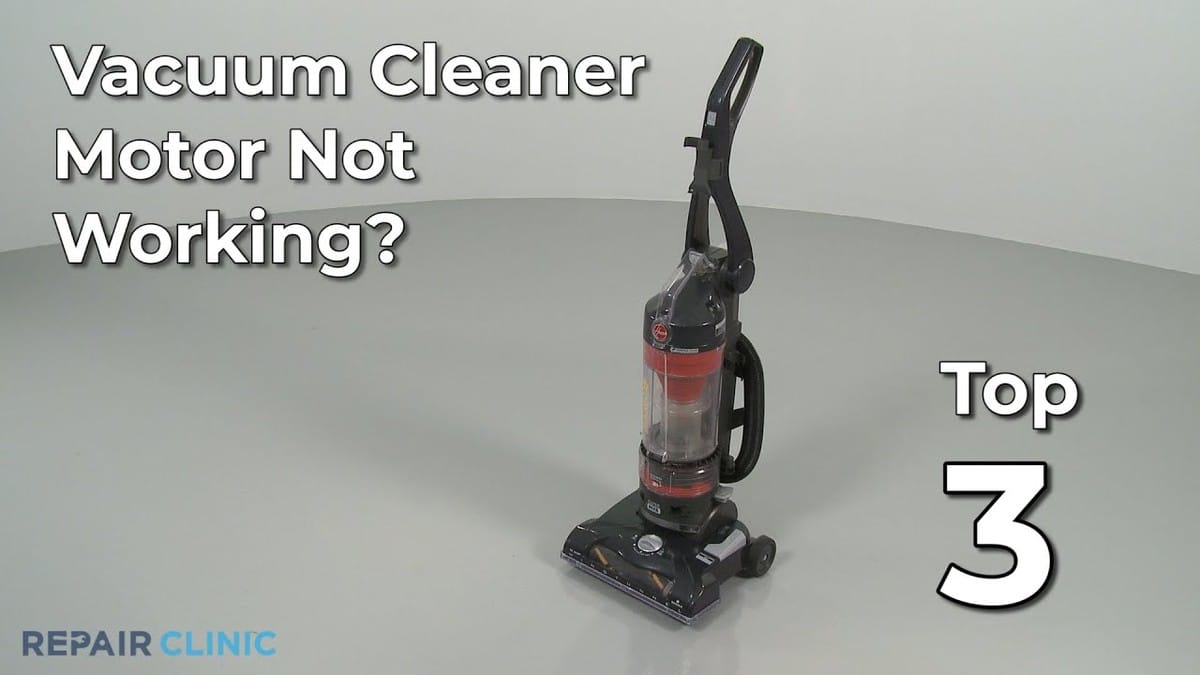
For models with dustbins, check if it's full. If it’s a bagged vacuum, the bag might need replacing. A full collection container is one of the most frequent reasons for a vacuum cleaner not working correctly.
Inspect the hose, wand, and floorhead for any visible blockages. Small objects or large debris can easily get lodged and prevent proper airflow. If you have a carpet cleaner or a vacuum with a water tank, ensure it’s filled to the correct level, as some models won't operate if the water level is too low or too high.
2. Clean or Reset the Parts That Commonly Cause Trouble
Filters: Most vacuums have at least one filter that traps fine dust. These can become clogged over time, significantly reducing suction. Consult your owner's manual to locate all filters (pre-motor, post-motor, HEPA) and follow the instructions for cleaning or replacement. Some are washable, while others need to be replaced periodically. A clogged filter is a major reason why your vacuum cleaner is suddenly not working.
Brush Roll: Hair, threads, and carpet fibers can wrap around the brush roll, preventing it from spinning. Carefully inspect the brush roll and use scissors or a seam ripper to cut away any tangled material. Ensure the brush roll spins freely by hand after cleaning.
Hose and Wand: If you suspect a blockage, disconnect the hose from the main unit and the wand. You can often use a broom handle or a similar long, blunt object to gently push out any obstructions. Be careful not to puncture the hose.
3. Watch for Signs the Problem Is More Serious
If the vacuum smells like burning plastic or if you hear unusual grinding or loud noises coming from the motor, stop immediately. These could indicate internal motor damage or electrical faults.
If the vacuum shuts off suddenly and repeatedly, even after cooling down and clearing potential blockages, it might be an internal component failure. For corded vacuums, if the power cord is frayed or damaged, do not attempt to repair it yourself; this is a significant electrical hazard.
If your vacuum cleaner is not picking up dirt effectively after performing all the above steps, the issue might be with the internal seals, the motor's efficiency, or a more complex airflow problem that requires expert attention.
What Not to Do
- Don't force it: If a part is stuck or a blockage is stubborn, don't use excessive force, as you could break components.
- Don't ignore unusual noises or smells: Burning smells or loud grinding noises are warning signs that require immediate attention and often indicate a problem beyond simple user maintenance.
- Don't attempt internal electrical repairs: If you suspect issues with the motor, wiring, or circuit board, stop and seek professional help. Working with electricity can be dangerous.
- Don't use water on non-washable parts: Unless your manual explicitly states a part is washable, avoid using water, as it can damage electrical components or motor parts.
Safety and Editorial Note
This guide focuses on common, user-serviceable issues that can cause your vacuum cleaner not to work. We prioritize safe troubleshooting steps that homeowners can perform without specialized tools or expertise. Our advice is based on understanding typical appliance failures, manufacturer safety limits, and clear indicators for when a problem exceeds safe DIY repair levels.
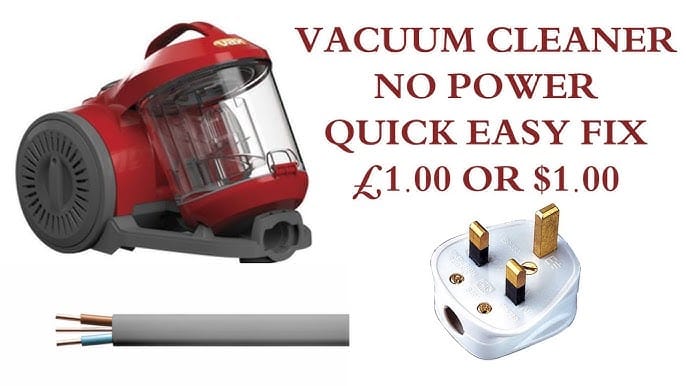
We strongly advise against attempting repairs that involve disassembling sealed motor components, working with internal wiring, or any task that requires professional electrical or mechanical knowledge. For such issues, or if you are uncomfortable with any step, it is always best to contact a qualified appliance repair technician or consider replacing the unit.
Should You Repair, Replace, or Upgrade?
When deciding whether to repair or replace your vacuum cleaner, consider its age and the cost of potential repairs. If your vacuum is several years old and experiencing a recurring problem, the cost of parts and labor for repair might approach the price of a new, more efficient model.
Weigh the cost of replacement parts against the overall value of the vacuum. For instance, if a new motor or a complex internal part is needed, repair might not be economical. Also, consider how essential the vacuum is to your household. If it's a primary cleaning tool, a reliable replacement might be a better investment than an expensive repair on an aging machine.
Think about technological advancements. Newer models often offer better suction power, improved energy efficiency, quieter operation, and specialized features like pet hair attachments or advanced filtration. If your current vacuum lacks these, upgrading could be a worthwhile consideration. If your Shark vacuum cleaner is not working and it's a common issue like a clogged filter, repair is sensible. However, if a high-end Dyson vacuum cleaner is not working and requires a costly internal part, assess if its current performance justifies the expense versus a new model.
How to Prevent This Problem Next Time
- Empty the dustbin/bag regularly: Don't wait until it's completely full. Aim to empty it when it's about two-thirds full for optimal suction.
- Clean filters monthly: Check your manual for cleaning instructions. Washable filters should be rinsed and dried completely before reinsertion. Replace filters annually or as recommended.
- Inspect the brush roll weekly: Remove tangled hair and debris from the brush roll to ensure it spins freely and effectively cleans carpets.
- Check for blockages before and after use: A quick glance at the hose and floorhead can catch potential issues before they become major problems.
- Store properly: Avoid storing the vacuum in damp or dusty areas, and ensure cords are not kinked or strained.
- Follow manufacturer guidelines: Always refer to your specific model's manual for maintenance recommendations and limitations.
Related Buying Advice
If you're in the market for a new vacuum, consider features that prevent common issues. Look for vacuums with advanced cyclonic technology for sustained suction, easy-to-clean and accessible filters (ideally washable or with long replacement intervals), and brush rolls designed to resist hair tangles. For pet owners, models specifically designed for pet hair, often with tangle-free brush rolls and powerful suction, are a wise investment.
Consider the type of flooring you have. Bagless models offer convenience, but ensure the dustbin is easy to empty without creating a mess. If allergies are a concern, HEPA filtration is a key feature to look for. Cordless models offer flexibility, but check battery life and charging times to ensure they meet your cleaning needs.
Frequently Asked Questions
Why is my vacuum cleaner suddenly not working?
A vacuum cleaner can suddenly stop working due to a safety shut-off triggered by overheating or a blockage. Check for obstructions in the hose, brush roll, or filters, and ensure the dustbin isn't full. Allow the unit to cool down if it has shut off unexpectedly.
Why is my robot vacuum cleaner not working?
Robot vacuums often stop working due to a full dustbin, dirty sensors, a tangled brush roll, or a dead battery. Ensure the charging contacts are clean and the robot is docked correctly. For more detailed troubleshooting, refer to our guide on Why is my Robot Vacuum Not Working?
Why is my carpet cleaner not working?
Carpet cleaners might fail to work due to low water levels (both clean and dirty tanks), clogged spray nozzles, dirty filters, or a malfunctioning pump. Ensure all tanks are correctly filled and secured, and check the hoses and brushes for blockages. Like upright vacuums, they can also suffer from full dustbins or bags and clogged filters.
Why is my Dyson vacuum cleaner not working?
Dyson vacuums, like other brands, can stop working due to a clogged filter, a full dustbin, or blockages in the wand or head. Dyson models often have specific indicators for blockages or filter cleaning. Always refer to your specific Dyson model's manual for detailed troubleshooting steps.
Why is my pool vacuum cleaner not working?
Pool vacuums typically stop working due to a clogged filter bag or basket, a blocked impeller, or a problem with the suction line. Ensure the filter bag is clean, check for debris in the impeller housing, and verify that all hose connections are secure and free of leaks.